
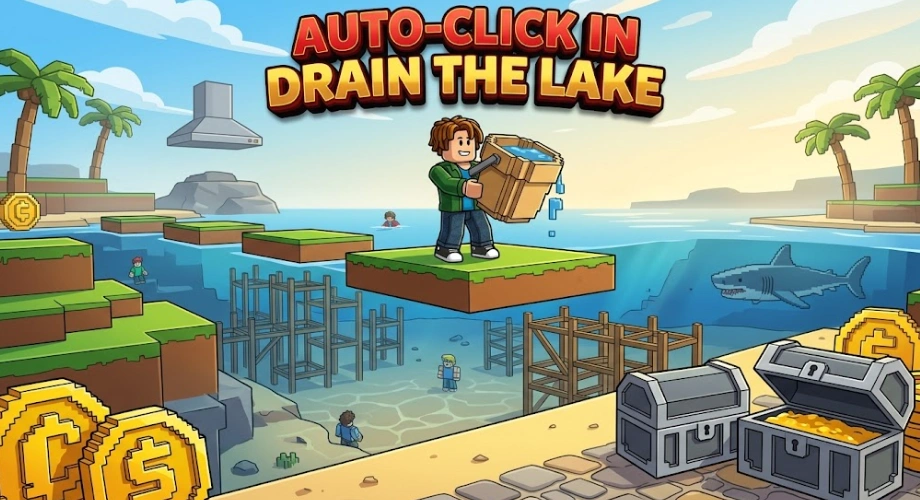
Are you playing the hot new game Roblox Drain the Lake right now? If yes, your fingers are probably burning! The game looks super simple: your phone fell to the very bottom of a massive lake, and you need to scoop out all the water with a bucket to get it back. But when you start, you realize the lake is absolutely huge.
When new players join the game, they usually do the same thing: they jump into the water and start clicking their mouse as fast as possible. Click, click, click! They do this for five minutes, their hand gets tired, and they think, "Wow, I need to download a third-party auto-clicker program, or my mouse is going to break!"
Well, stop smashing your mouse, bro! You do not need to cheat, and you do not need to get carpal tunnel syndrome. In this guide, I will show you the ultimate hidden control secret to auto-collect water, plus how to use this trick to speedrun the first few worlds easily.
The Secret Control: The F2P "Auto-Clicker"
Let's get straight to the biggest mistake in the game. In a recent gameplay video by the RoBros gaming channel, one of the brothers was sweating and clicking his mouse like crazy to fill his bucket. Then, his brother dropped a massive truth bomb: "You could just hold click right now!"
That is right, genius! You do not need to click one thousand times.
- All you have to do is jump into the lake.
- Press and HOLD down the left mouse button
- The game will automatically keep scooping water into your bucket until it is completely full!
This is a built-in feature, but the game does not tell you! By holding down the button, you save your mouse, save your fingers, and you can focus on looking around the map for dangers like the hungry lake shark.
Why You Need to Master the "Hold-Click" Method
Using the hold-click method is not just about saving your fingers; it completely changes how fast you progress in the game.
When you click manually, your speed is uneven. Sometimes you click fast, sometimes you click slow. But when you hold the button down, the game scoops water at a perfectly steady, maximum speed.
When you combine this steady scooping with shop upgrades, the game becomes a breeze. For example, if you upgrade your Swift Scoop speed at the base computer, holding down the click button will make your bucket fill up in literally two seconds. You can just swim down, hold the button, turn around, and dump the water. It turns a boring grinding game into a super smooth speedrun.
How to Mix This Trick with Your Grind Routine
Now that you know how to automatically fill your bucket without breaking your hands, you need to build a fast grinding routine.
Here is the best way to do it:
- Dive Deep: Swim down to the lowest level of water available.
- Hold and Scan: Press and hold your mouse button to start scooping. While the bucket is filling automatically, use your camera to look around the lake floor. Look out for glowing shapes--those are hidden treasure chests that give you massive amounts of free cash! (If you want to know where to find them, check out our guide: Roblox Drain the Lake: How to Get Rich Fast.
- Dump and Repeat: Once your bucket is full, swim back to the station, dump the water, get your tokens, and jump straight back in.
Protect Your Stats: Watch Out for the Flaws
While you are happily holding your mouse button down and watching your water meter grow, do not fall asleep! The lake is not a safe swimming pool.
First, there is a giant shark patrolling the area. If you are staring at your water bar and not looking at the screen, the shark will swim up and bite you!
Second, as you go deeper into checkpoint 4 and checkpoint 5, the lake layout gets weird. You will start seeing underwater pirate ships and even glowing red lava on the ground! If you step on the lava while holding your click button, your health will drop instantly. Always keep your eyes moving while your hand is holding the button.
Summary
The golden rule of Roblox Drain the Lake is simple: Work smarter, not harder. Stop destroying your gaming mouse by clicking manually. Just hold the button down, let the game do the work, and use your eyes to dodge the shark.
Once your hands are rested, you will need to spend your hard-earned tokens wisely. Should you buy a bigger bucket or faster swim speed first?
Go try the hold-click trick right now, and happy draining!

Ride A Pet Radar Guide: Prices and Egg Rarities
Check the Ride A Pet Radar tiers, prices, egg rarities, and how to choose the right Radar for your current progression.

Ride A Pet Beginner Guide: What to Do First
New to Ride A Pet? Learn what to do first, how to choose pets, find eggs, use Radar, earn cash, explore the map, and work toward Rebirth.

How to Find Eggs Faster in Ride A Pet
Learn how to find eggs faster in Ride A Pet using the right pet, Radar, Track, and search routes. Improve your egg runs and find better pets.